Text Photo AI

Text Photo Editor

Add, change or remove text in any image — with lettering that stays sharp and correctly spelled.

Upload a photo, describe the text, and review your edit.

0 / 2,000
…

One image per request. Upload a source to switch to precise editing.

Credit cost: —

Content and copyright rules

Do not submit NSFW, harmful, explicit, sexually suggestive, or rights-infringing prompts.

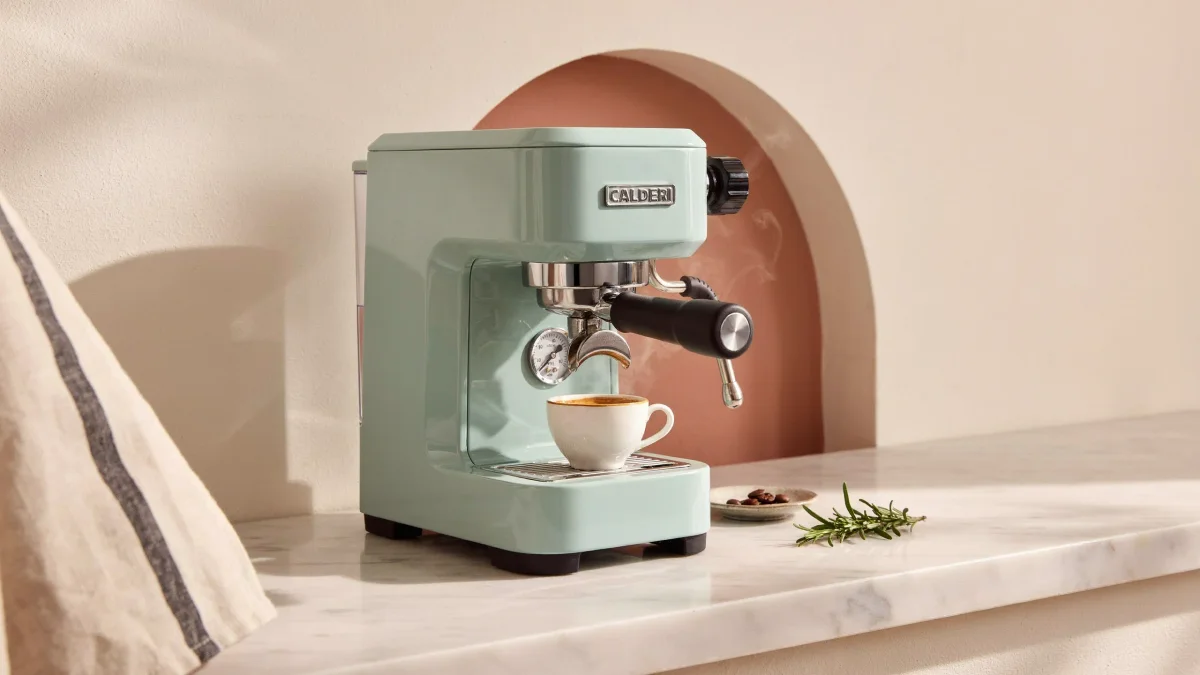
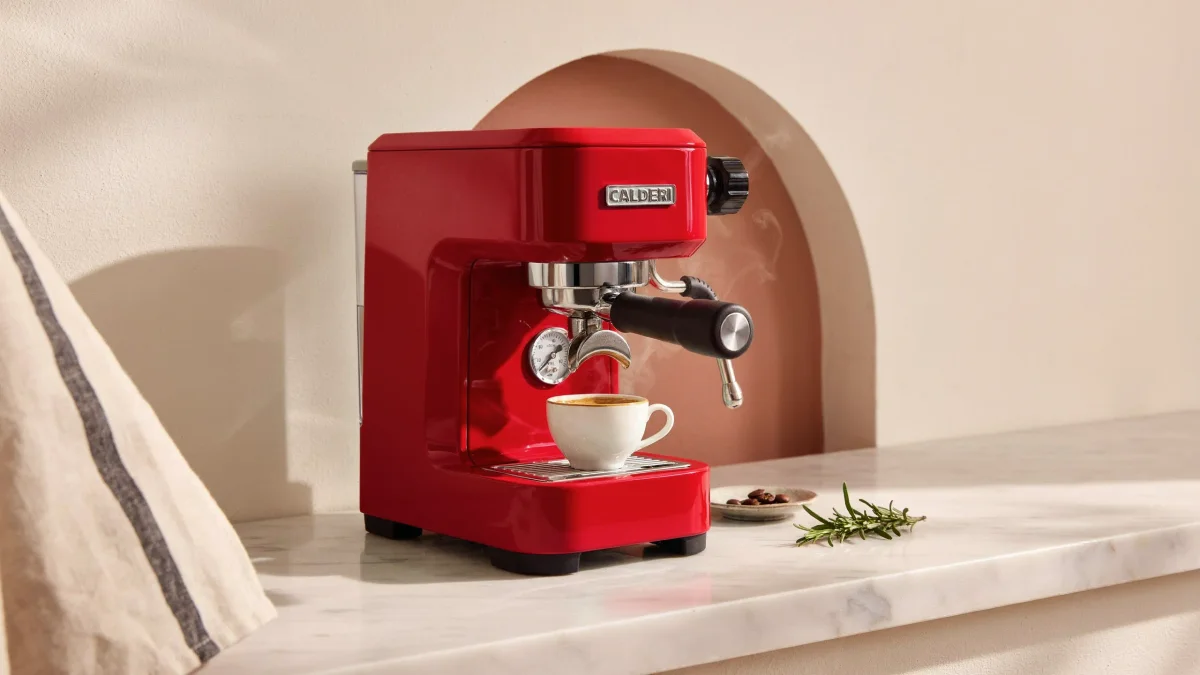
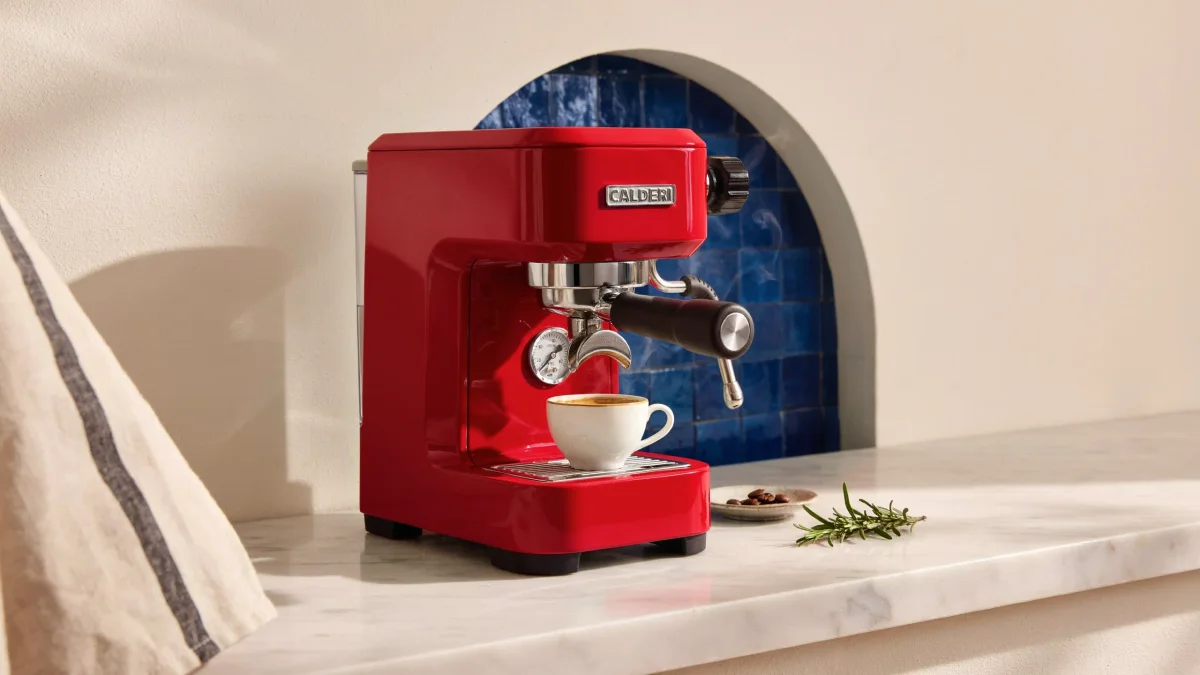
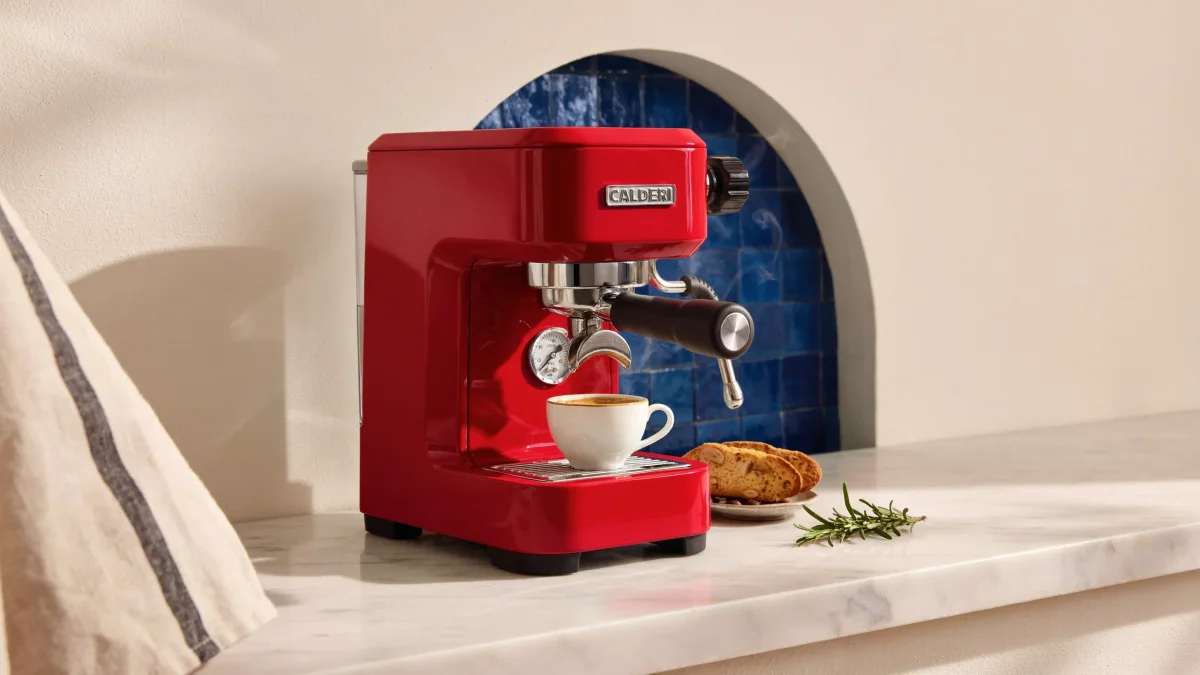
One image. Three deliberate edits.

Compare a color change, a tiled background and an added prop with each previous step, or try the edits yourself.

Mint-green espresso machine in a terracotta niche
Original

What you can do with text in a photo

Text Photo AI helps you add text, replace existing text, or revise text while asking to keep the original font style. Describe the placement and details to preserve, then review spelling and layout. Multiple image models are available.

01

Design with words

Add a headline to a poster, a caption to a photo, or wording to a label. Quote the exact text and specify placement.

02

Refine product visuals

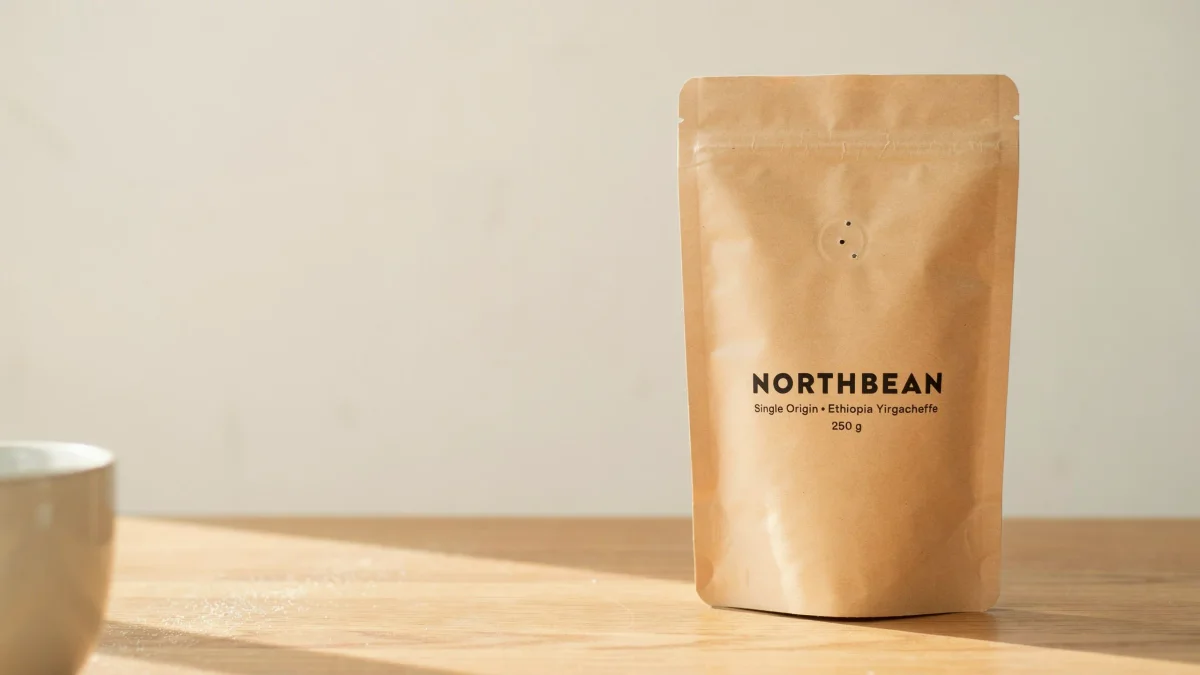
Replace existing text on a package or sign. Identify the old text, supply the new text, and describe what should stay unchanged.

03

Iterate with intent

Ask to preserve the original font style, size and spacing when changing text. Compare the result closely; AI may alter letterforms.

More models on the same canvas

Choose from 9 models, including Ideogram 4.5, Seedream, and Nano Banana. Each has its own parameters and credit rates. Mark-guided editing, transparency, and layers use Seedream 5.0 Pro.

How to edit text in an image

  1. 1

    Upload your image

    Upload a JPEG or PNG containing the words you want to edit, or describe a new image.

  2. 2

    Enter the new text

    Quote the exact replacement text. Describe the font style and placement to keep, choose quality, and check the credit estimate.

  3. 3

    Generate and check spelling

    Sign in and submit. Review every text change, along with colors, composition and unchanged details.

  4. 4

    Export or keep editing

    Download the finished image or make another focused edit. Find previous results in creation history.

Give each edit a clear text brief

Specify changes and details to keep. This prompt example is not a measured multi-turn result or pixel-preservation guarantee.

“Replace the background with a warm gray studio backdrop. Keep the bottle shape, label wording, and camera angle unchanged.”

A good image starts with a clear text prompt

These prompts demonstrate precise control of wording in an image. Try these writing examples; they are not generated outputs.

01 · An event poster

An event poster

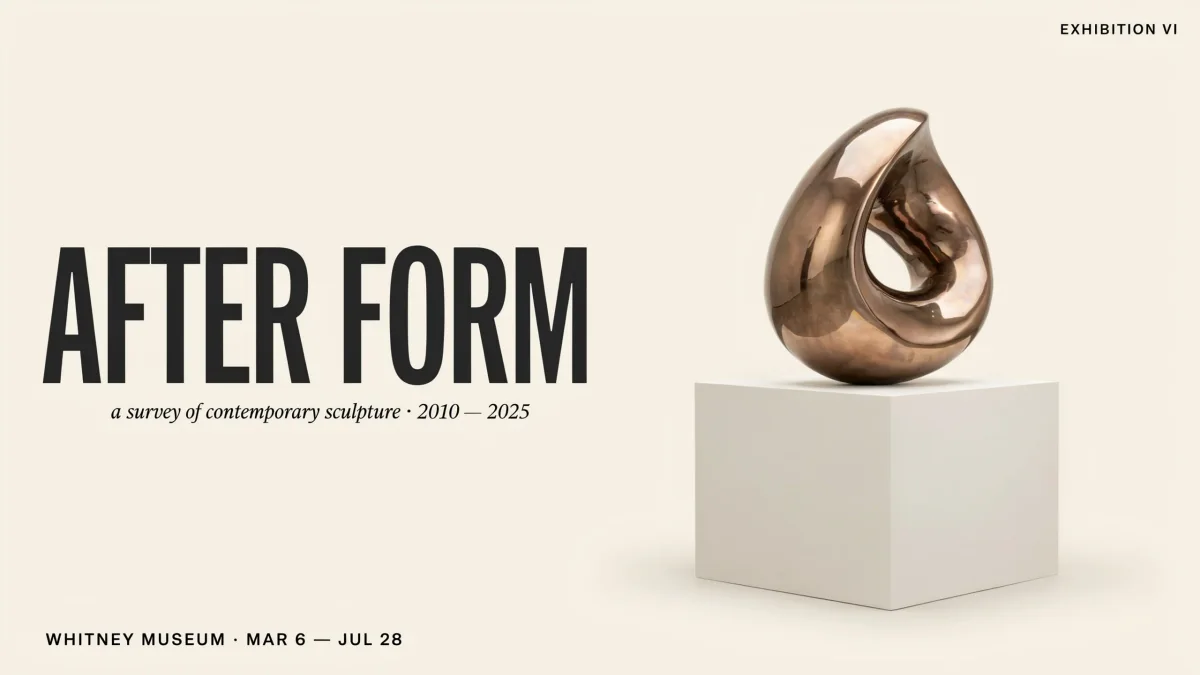
A modern jazz festival poster on warm cream paper with dark brown typography. Exact headline: "AFTER HOURS". Smaller text: "FRIDAY 8 PM". Wide margins, confident hierarchy, no other text.

02 · A product label

A product label

A frosted amber candle jar with a cream label reading exactly "SLOW SUNDAY". Soft window light, warm stone background, understated product photography and a clearly readable label.

03 · A storefront sign

A storefront sign

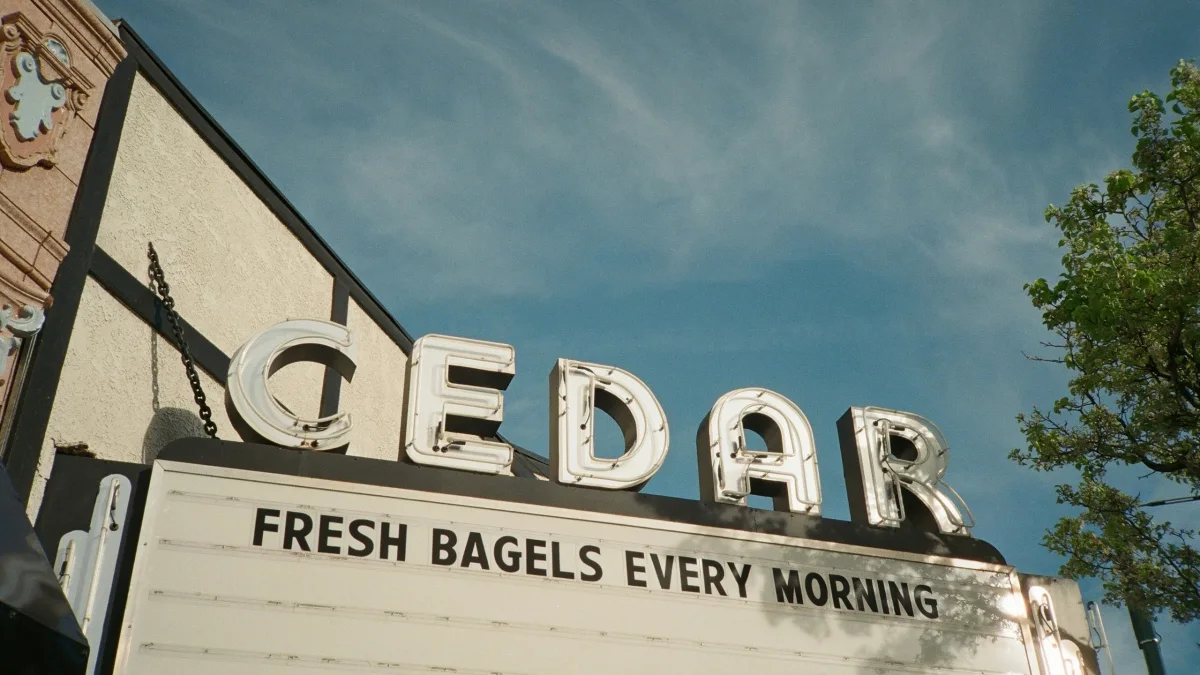
A minimal neighborhood coffee shop with a forest-green sign reading exactly "DAILY BREW" in large cream letters. Early morning light, straight-on view, readable lettering.

Choose what to change in your image

Choose a Text Photo AI plan

Choose your monthly creative budget. Annual billing saves 50%, while credits are still issued and reset monthly.

Starter

Save 50%

For occasional posters, labels and product visuals

$9.95/month
Billed $119.40 once per year · automatically renews until canceled · credits issued and reset monthly
  • 300 credits issued and reset monthly
  • Ideogram 4.5: 50 Medium images / 30 High images / 13 High edits monthly
  • 9 models: Ideogram 4.5, Seedream, Nano Banana
  • Generate and edit with image references
  • History and image downloads
  • Preview credit cost before submission
  • Clearly failed tasks refund credits
  • Commercial projects subject to platform terms
  • Cancel your next renewal anytime

Creator

RecommendedSave 50%

For regular content creation and iterative refinements

$19.95/month
Billed $239.40 once per year · automatically renews until canceled · credits issued and reset monthly
  • 720 credits issued and reset monthly
  • Ideogram 4.5: 120 Medium images / 72 High images / 32 High edits monthly
  • 9 models: Ideogram 4.5, Seedream, Nano Banana
  • Generate and edit with image references
  • History and image downloads
  • Preview credit cost before submission
  • Clearly failed tasks refund credits
  • Commercial projects subject to platform terms
  • Cancel your next renewal anytime

Studio

Save 50%

For larger campaigns and higher-volume commercial projects

$39.95/month
Billed $479.40 once per year · automatically renews until canceled · credits issued and reset monthly
  • 1,500 credits issued and reset monthly
  • Ideogram 4.5: 250 Medium images / 150 High images / 68 High edits monthly
  • 9 models: Ideogram 4.5, Seedream, Nano Banana
  • Generate and edit with image references
  • History and image downloads
  • Preview credit cost before submission
  • Clearly failed tasks refund credits
  • Commercial projects subject to platform terms
  • Cancel your next renewal anytime
18 one-time trial credits · valid for 7 days
Credit cost: —
Billing options

Text Photo Editor FAQ

Is Text Photo AI the official Ideogram website?

No. Text Photo AI is an independent multi-model image tool. Ideogram 4.5 runs through the official model endpoints on Replicate.

How do I switch from generation to editing?

Upload a source image to use Precise Edit. The first image is edited; up to four additional images guide the edit. Each request produces one image.

What happens to credits when a task fails?

Credits are reserved on submission. A task explicitly marked failed or canceled returns its site credits once. A pending task or polling timeout is not a confirmed failure; check your history to recover it.

Will the text always be correct?

No. Short, exact wording and clear layout instructions help communicate your intent. Review every word and brand mark before publishing.

Are my images stored forever?

Provider links can expire, so download your results promptly. Long-term archiving depends on the site storage configuration; a temporary link is not permanent storage.

Can I use other image models?

Yes. Select an existing Seedream or Nano Banana model from the model menu. Available resolutions, reference limits, and credit rates vary by model.

Your next idea starts here

Upload an image and give the text a fresh direction, one edit at a time.